Make it.
Caption it.
Post it.
Wandcase Creator is one studio for your content. Design posts, edit videos with subtitles written from your audio, and schedule it all to Instagram, Facebook, TikTok and YouTube. Do it yourself, or ask ChatGPT or Claude to do it for you.
Plans from $9 a month. Every new account starts with free credits.
12 more styles in the editor
The editor
Your brand, built into every design.
Creator is a full editor, not a template filler. Bring your logo, colours and fonts once, and every post, carousel and reel starts on brand.
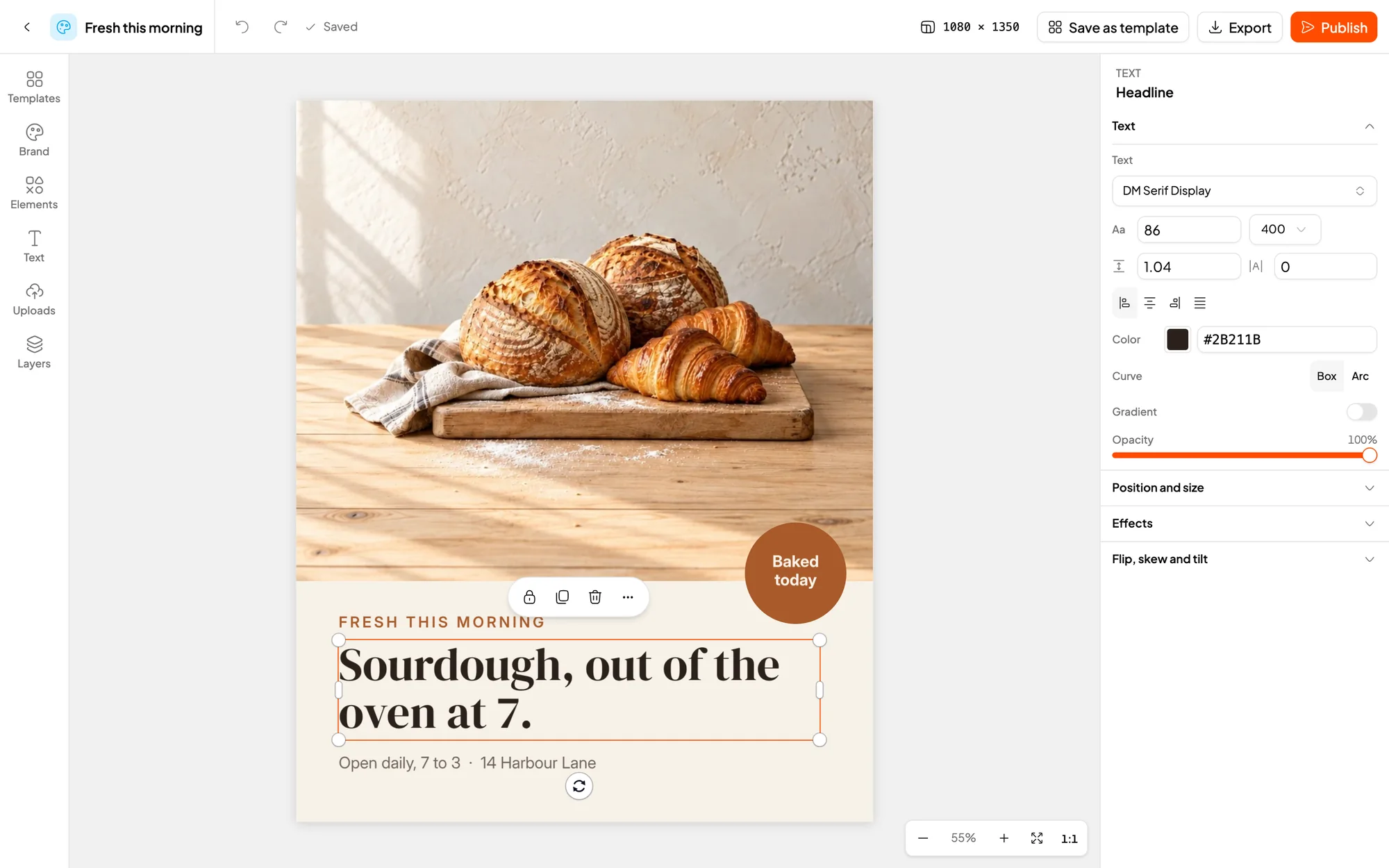
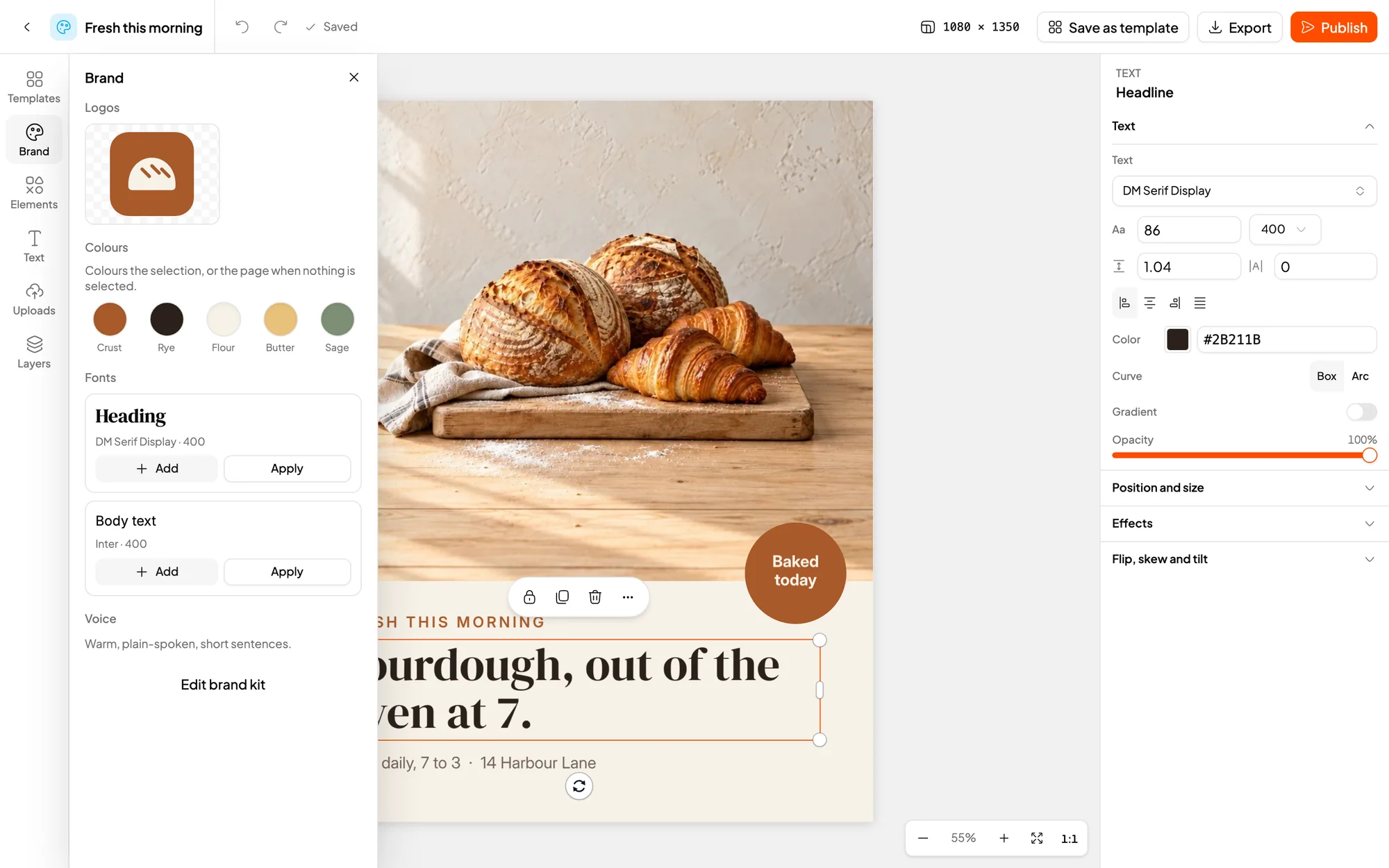
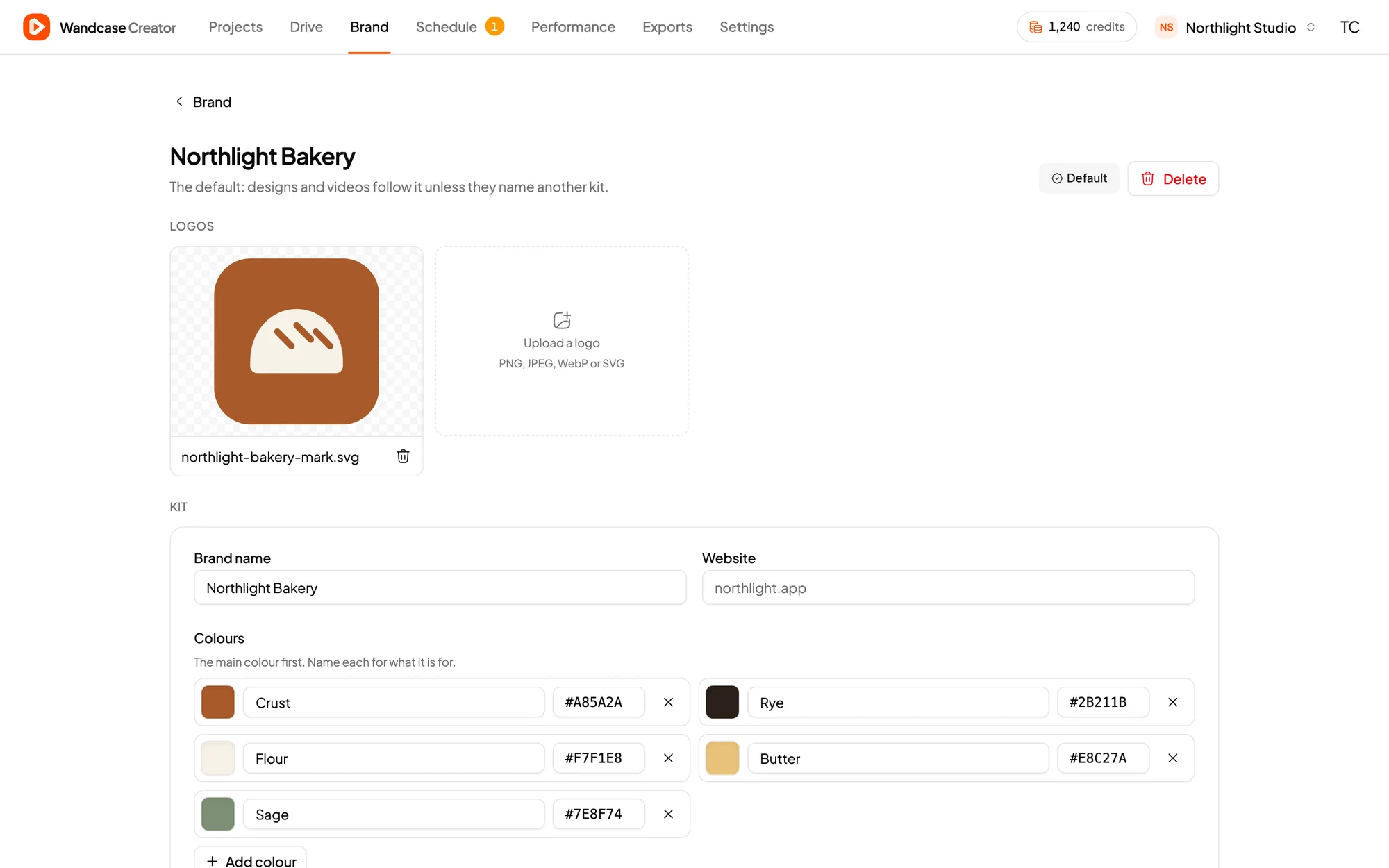
Make
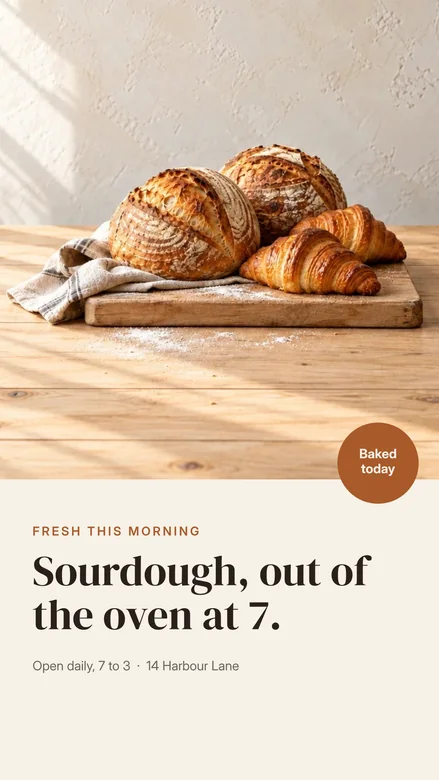
One design, sized for every feed.
Pick the size for where it is going. Your fonts, colors and saved components come with you, and your footage, logos and exports live in Drive, ready to drop in.


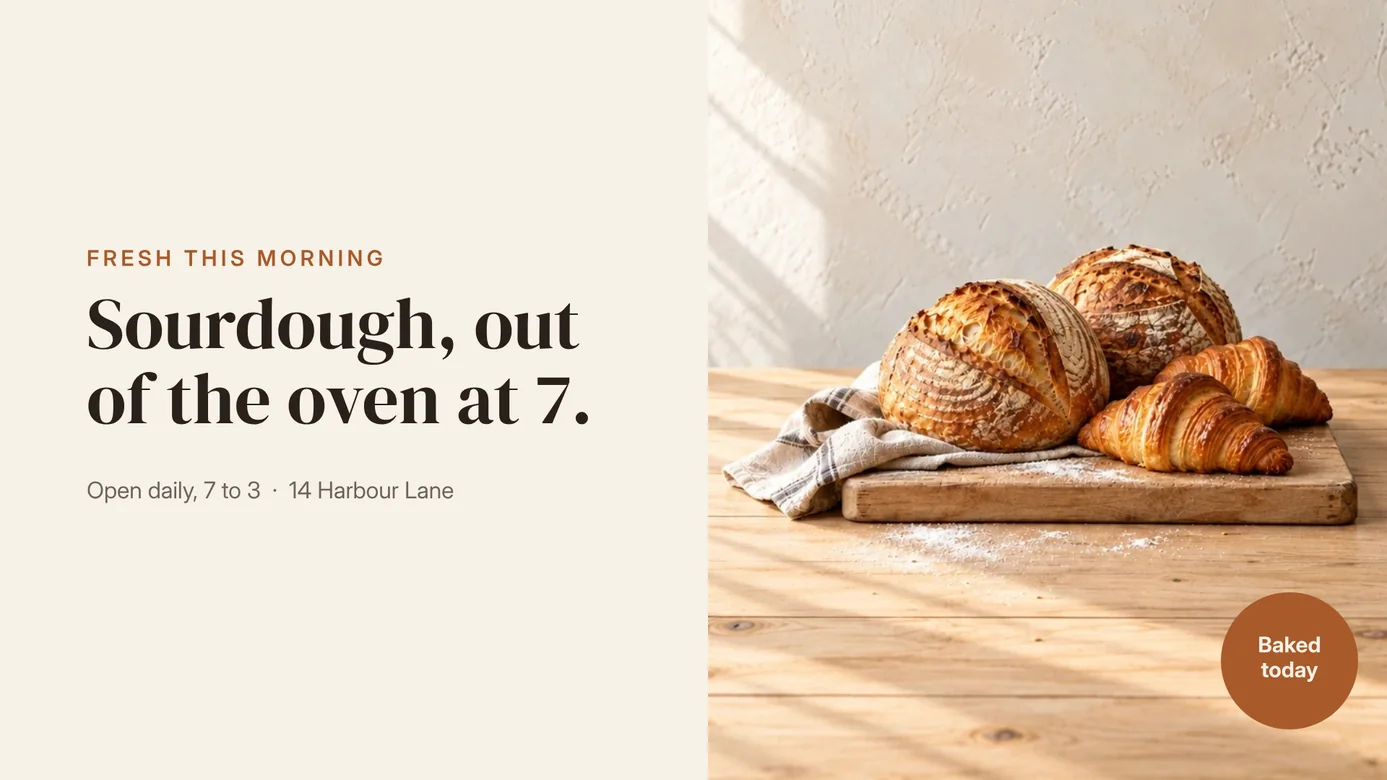
Edit video on a real timeline.
- Subtitles from your audio
- Transcribe a video once, then fix any word. Add a clip later and only the new audio is transcribed; your edits stay put.
- 27 motion presets
- Fade, Rise, Pop, Heartbeat, Jelly and more, on any title, sticker or image.
- Camera moves and transitions
- Push in on a shot, then cut or blend to the next clip from the timeline.
- Export in every shape
- MP4 or WebM at 9:16, 4:5, 1:1 or 16:9. Designs export as PNG or JPG.
Publish
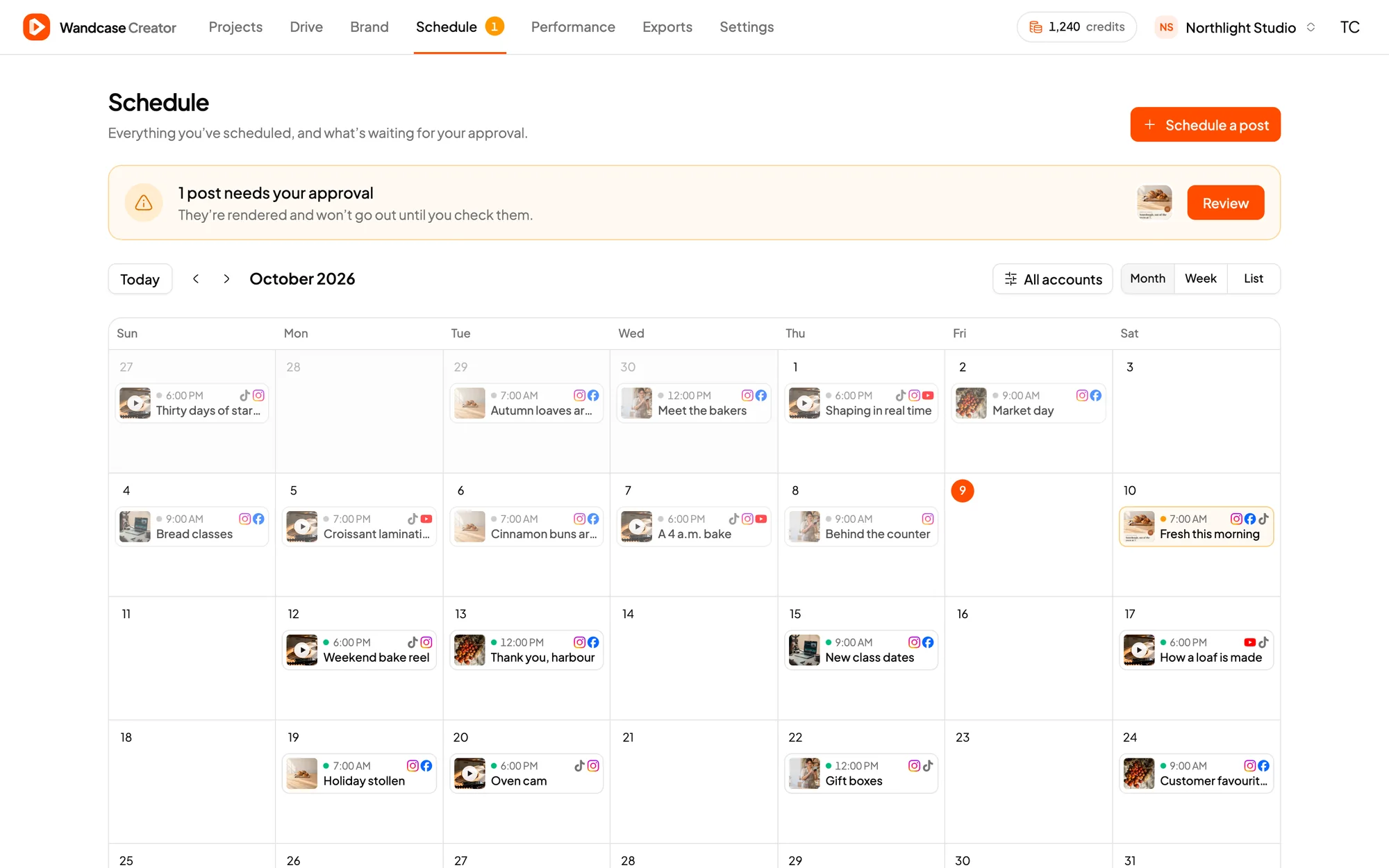
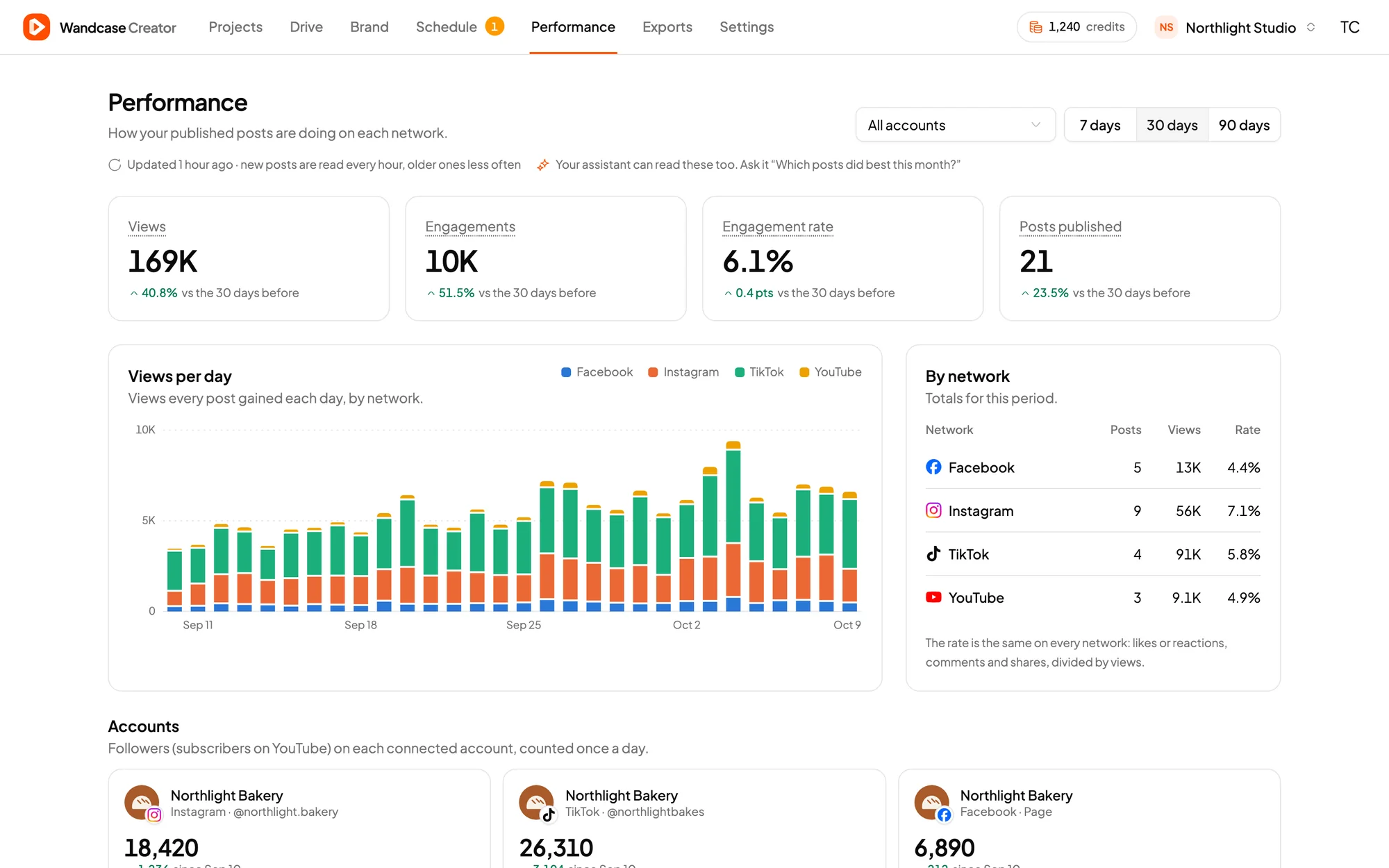
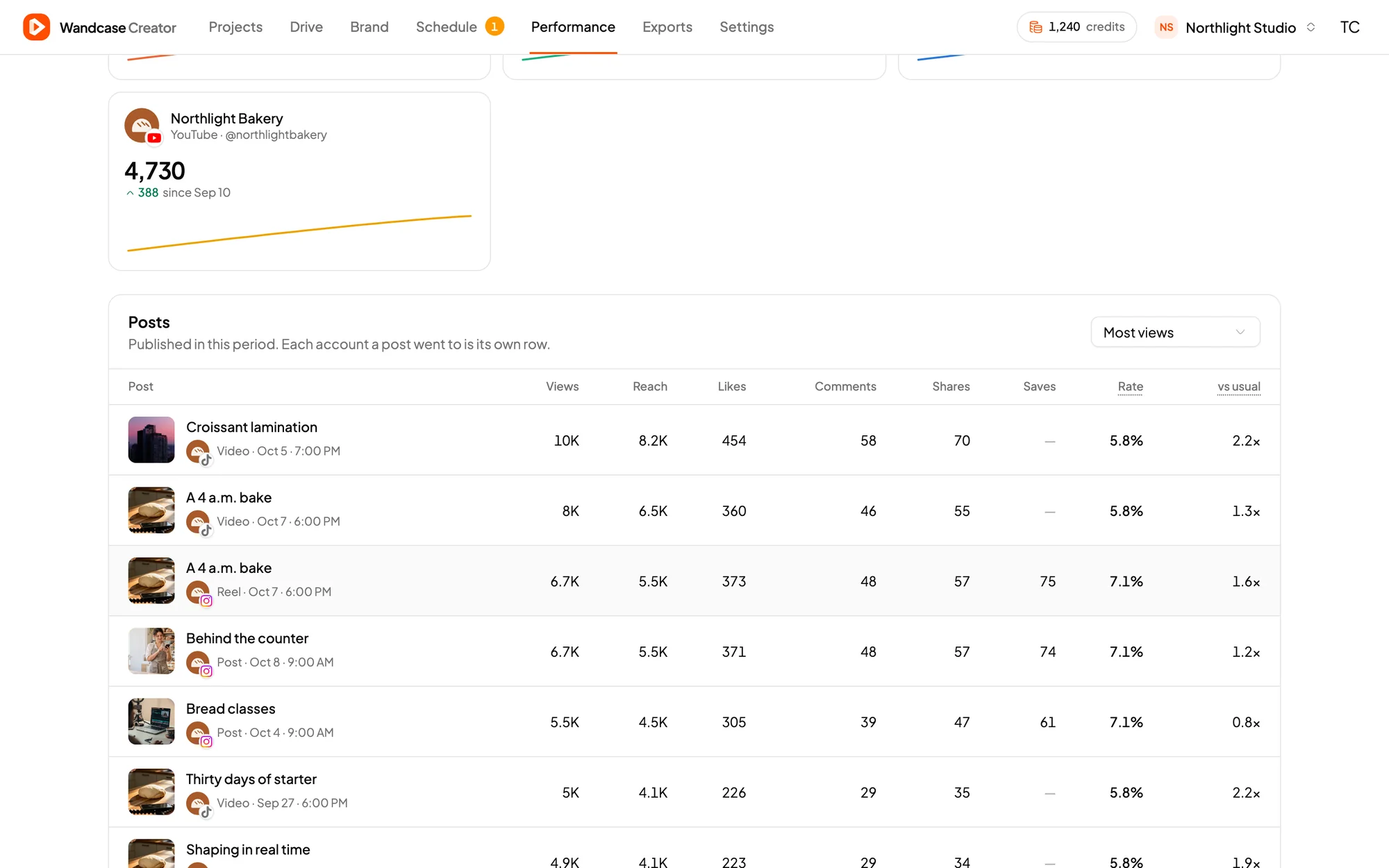
Plan your month, then see what worked.
Connect your accounts once, then schedule to Instagram, Facebook, TikTok and YouTube in your own time zone. Before anything goes out you see exactly what will be posted. Afterwards, Creator reads the numbers back so you can see which posts landed.
What you can post
- Image
- Reel
- Carousel
- Story
- Post
- Photo
- Photo set
- Video
- Reel
TikTok
- Video
- Photo
YouTube
- Video
- Short
Your AI
Connect your preferred AI subscription with MCP.
Already pay for ChatGPT or Claude? Connect it to Creator over MCP, the open standard AI assistants use to work with apps, and ask for what you need. The work happens in your Wandcase, with your own footage and fonts. Your assistant can prepare a post, but only you can publish it.
- ChatGPT
- Claude
- Claude Code
- Cursor

 Creator
MCP server
Your AI can
- Design posts
- Edit videos
- Write subtitles
- Export every format
- Draft posts for review
You approve
Every post waits in Creator. Check the media, caption and account, then publish it or pick a time.
- TikTok
- YouTube
- 1
Add Wandcase to your assistant
Paste the Wandcase address into ChatGPT, Claude or any MCP client.
- 2
Sign in once
Approve access to your workspace. Your files and accounts stay in Wandcase.
- 3
Ask for the work
"Cut yesterday's footage into a reel for Thursday." Your assistant makes it in Creator.
- 4
Approve and schedule
The post waits in Creator until you check the media, caption and account, then approve it. Nothing goes out without you.
Plans
Pick the pace you post at.
Every new account starts with free credits to try Creator. Exports and automatic subtitles use credits; editing, planning and working from your AI do not.
Starter
For a steady posting rhythm.
$9per month
300 credits every month
- About 300 image exports or 30 video minutes
- Publish to YouTube
- Unlimited projects
- 1 GB of storage
- Download in full quality
Studio
Best valueFor brands publishing every day.
$24per month
1,000 credits every month
- About 1,000 image exports or 100 video minutes
- Schedule posts to Instagram, Facebook, TikTok and YouTube
- Unlimited projects
- 5 GB of storage
Prices in USD. Cancel anytime from your workspace settings. See what uses credits.